HUD & interface
Arrange your information with the built-in HUD editor and interface controls.
05 LESS CLUTTER. MORE WORLD.
Your HUD.
In its happy place.
Keep what matters in view. MCC’s in-game editor gives every overlay its own place, scale, and space to breathe.
THE MCC INTERFACE
PERFORMANCE, AT A GLANCE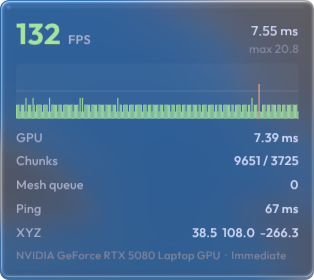
EVERY INPUT, VISIBLE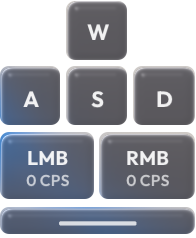
Room for your world.
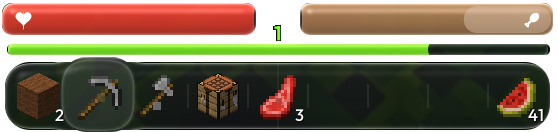

A little less in the way.
A lot more you.
From the first keystroke to the last inventory slot, it’s the interface you use every second. Make it work your way.
- 01Position with precision.
Move and align overlays in the client. Use the grid, snapping, and arrow-key nudges.
- 02Get the scale right.
Resize individual elements so the essentials stay clear without taking over.
- 03Try it. Undo it. Reset it.
Experiment with a layout, then undo or reset when you want a fresh start.
Meet Liquid Glass. An optional glass treatment for the hotbar, bars, and menus.
EXPLORE MCC