Held items & input feel
Make the first-person view your own, with per-item position, rotation and scale.
06 MAKE IT FEEL RIGHT
Every swing.
Every little angle.
Your pickaxe spends a lot of time on screen. Give it the position, scale, and motion that feel right to you.
01
Place it precisely.
Adjust X, Y, and Z offsets, rotation, and scale for your main hand and offhand.
02
Find your swing.
Tune pivot, angle, easing, and recoil. Shape how each action moves.
03
Keep the setup.
Use item categories and saved profiles to keep your favorite feel close by.
HELD ITEMS · IN-CLIENT PREVIEW
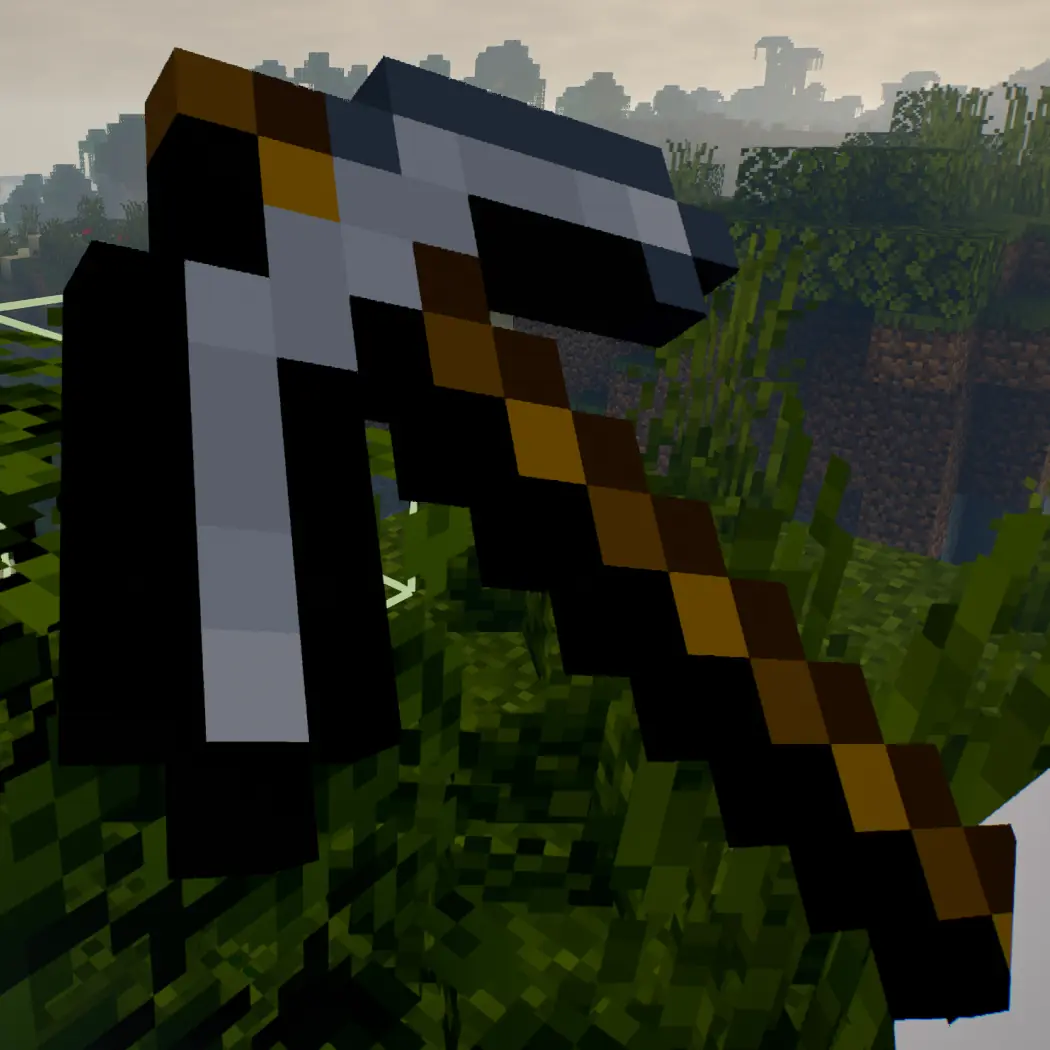 YOUR IN-WORLD VIEW
PLACEMENT & ROTATION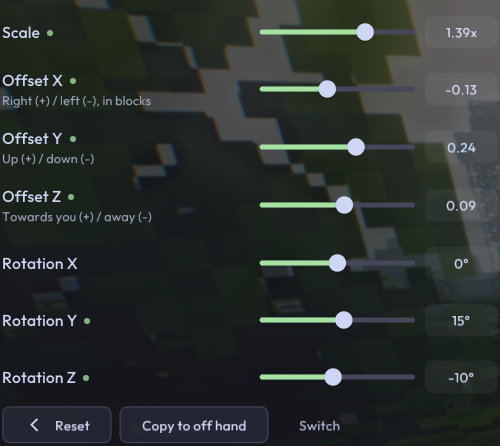
SWING & MOTION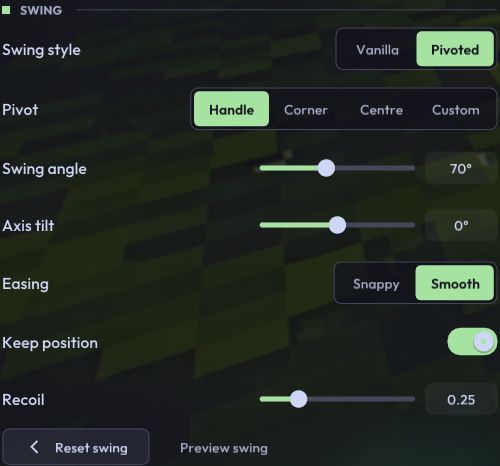
BEYOND THE FRAME RATE
Fast should feel fast.
Input, close to the frame.
Last-moment input sampling and one frame in flight keep responsiveness in focus.
Meet LateWarp.
Camera correction designed around the latest input before the frame reaches you.
Motion, your way.
Frame generation and configurable motion blur, with HUD clarity kept in mind.
EXPLORE MCC